Quick Answer
If your Wyze camera is offline, start by power-cycling the camera and checking your Wi-Fi signal. Most connection problems are resolved by a simple reboot or moving the camera closer to your router. If the issue persists, inspect your power adapter and cable for damage.
Common Causes of a Wyze Camera Going Offline
A Wyze camera can appear offline for several reasons. The most frequent cause is a weak or unstable Wi-Fi connection, especially if the camera is far from your router or behind thick walls. Power interruptions, such as a loose USB cable or a failing adapter, are another common culprit. Less often, the camera's firmware may need an update, or the device itself may have a hardware fault.
Step-by-Step Troubleshooting Guide
Begin by unplugging the camera for 30 seconds, then plugging it back in. This simple power cycle clears temporary glitches. Next, check the camera's LED status: a solid blue light means it's connected; a flashing yellow or red light indicates a connection issue. If the light is off, verify the power source. For battery-powered models like the Wyze Duo Cam Battery Doorbell, ensure the battery is charged and seated properly.
If the camera still won't connect, open the Wyze app and navigate to the device settings. Tap 'Remove Device' and then re-add it by scanning the QR code. This forces a fresh connection. Also, confirm your phone's Wi-Fi is on the 2.4 GHz band, as Wyze cameras do not support 5 GHz networks. If your router broadcasts both bands, temporarily disable the 5 GHz signal during setup.
For cameras that frequently drop offline, consider a Wi-Fi extender or mesh system to improve signal strength. If the camera is outdoors, make sure it's using a weatherproof power adapter. The Wyze Duo Cam Pan, for example, requires the Wyze Universal Outdoor Power Adapter for reliable outdoor operation.
When to Consider a Hardware Upgrade
If you've tried all software fixes and your camera still goes offline, the issue may be hardware-related. Older Wyze models or those with damaged cables may need replacement. For users who want dual coverage without extra wiring, the Wyze Duo Cam Battery Doorbell offers two camera views and a removable battery pack, reducing power-related offline events. Alternatively, the Wyze Cam OG Stack Kit lets you power and mount two cameras from one outlet, simplifying your setup.
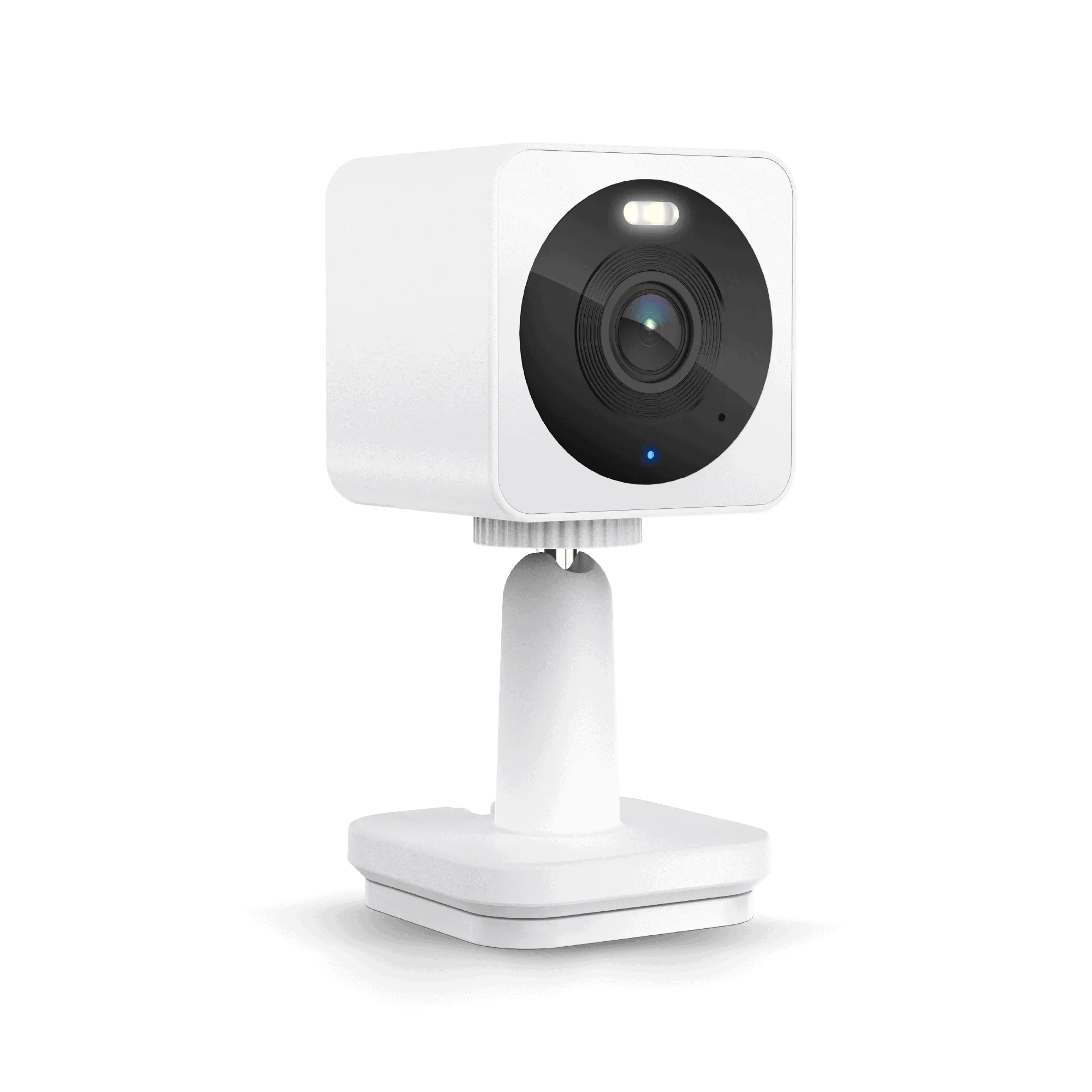
Wyze Cam OG
Diagnosis: Is It a Connection or Hardware Problem?
- Symptom: Camera shows 'Offline' in the Wyze app, but the LED is solid blue or flashing slowly. Likely a minor app or network glitch.
- Likely Cause: Weak Wi-Fi signal, temporary router issue, or the camera is on a 5 GHz band. Try power-cycling the camera and router. Ensure your phone is on 2.4 GHz.
- Corrective Action: If the LED is off, check the power cable and adapter. For battery models, recharge or reseat the battery. If the LED is yellow, re-add the device in the app. If the camera reconnects, the fix is complete. If not, proceed to hardware check.
- Stop or Choose Another Option: If the camera still won't connect after a factory reset and a fresh setup, the hardware may be faulty. Consider replacing the camera or upgrading to a model with better power management, like the Wyze Duo Cam Battery Doorbell. Stop troubleshooting and replace or upgrade the device.
Products That Can Help
- Wyze Duo Cam Battery Doorbell: Wyze Duo Cam Doorbell is our most advanced battery-powered video doorbell yet. Dual camera views for people and packages, 2K video and local storage, two-way audio, real-time AI detections and alerts, and motion-activated voice deterrence. Includes Wyze Wi-Fi Chime and Wyze Removable Battery Pack. If your current camera goes offline due to power issues, this battery-powered doorbell with a removable pack reduces downtime from power interruptions and gives you dual views without extra wiring.
- Wyze Cam OG Stack Kit: Wyze Cam OG Stack Kit is for Wyze Cam OG and OG Telephoto. The Wyze Stack Kit includes a USB Cable Splitter, a Power Brick, and Stack Mount that allows you to power and stack-ably mount two Wyze Cam OGs or Wyze Cam OG Telephoto Cameras on top of each other. If you have multiple Wyze Cam OG units and one keeps losing power, this kit consolidates power delivery from a single outlet, reducing the chance of loose connections.
- Wyze Duo Cam Pan: Wyze Duo Cam Pan delivers two 2K cameras in one device for complete coverage. One stays fixed on your priority view while the other pans and tilts to track motion, with color night vision, spotlights, siren, and indoor/outdoor versatility. If your current wired camera frequently disconnects due to a faulty power adapter, this single-device dual-camera solution simplifies your setup and reduces potential points of failure.