Quick answer
Most Clixo connection problems come from misaligned edges, debris on the magnets, or pieces that are simply too far apart to snap. Start by pressing the two edges flat against each other until you feel a click, clean the contact points with a dry cloth, and check that you are not trying to bridge a gap wider than the piece can reach. If a specific piece still will not hold after those steps, set it aside and test another piece in the same spot before deciding the whole set is faulty.
Check alignment before you assume the magnet is weak
Clixo pieces connect along their edges, and the magnets only engage when the two edges meet face to face. If a piece is rotated even slightly, the edges can touch without clicking. Lay both pieces flat on a table, slide them together until the edges are flush, then press. You should feel a distinct snap rather than a soft bump.
Younger builders often push pieces together at an angle, which makes the magnets slide past each other. Show them the flat-table method once, then let them try. If the click happens reliably on a table but not in mid-air, the issue is technique, not the toy.
Clean the magnet edges and check for hidden debris
Small bits of paper, sand, or dried playdough can sit between the magnet edges and stop them from meeting. Wipe the edges with a dry, lint-free cloth. Avoid water or cleaning sprays on the magnet areas, since moisture can trap grit and make the problem worse.
If you have a can of compressed air, a short burst along the edge can dislodge debris without scratching the surface. After cleaning, test the same two pieces again. If they now click, the fix was maintenance rather than a defect.
Match the piece size to the gap you are trying to close
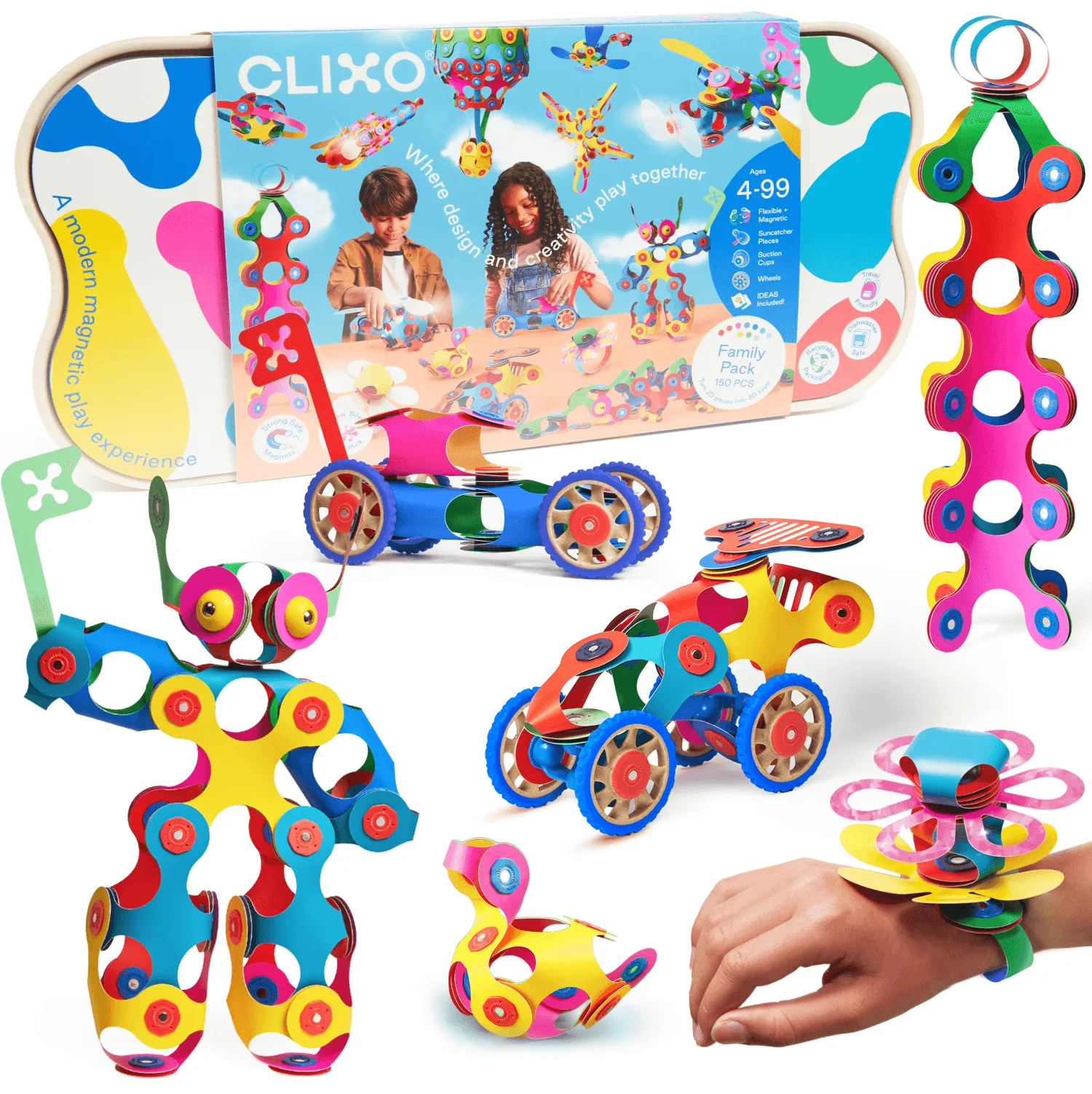
A single small piece cannot bridge a wide opening, and forcing it can make the connection feel like it failed. If a build keeps popping apart, rebuild the frame with shorter spans or add an extra piece in the middle. The Mega Pack includes 150 pieces, so you have enough variety to test whether a longer or shorter piece solves the span problem.
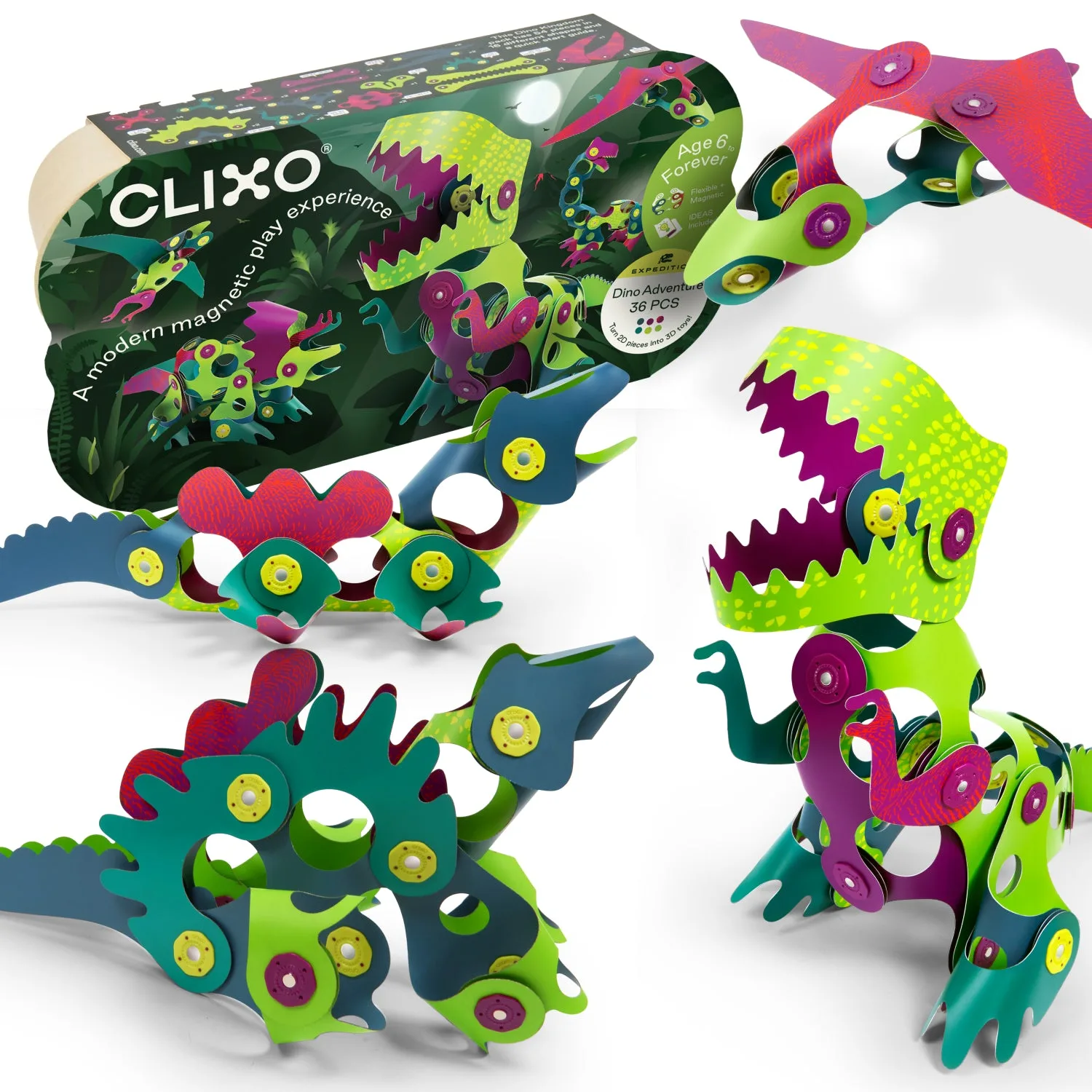
This is also where themed sets help. The Dino Adventure Pack has 36 pieces in 16 shapes, so you can swap in a different shape when one piece will not reach. If a build only works with one specific piece, the design needs adjusting, not the toy.
Test one piece at a time to find the real culprit
When a whole build fails, parents often assume every piece is bad. Instead, take one piece you know clicks well and try it against each suspect piece. If the known-good piece clicks with some pieces but not others, the problem is isolated to those pieces. If it fails with every piece, the known-good piece may be the issue.
Keep a small tray for pieces that fail the test. After you have checked five or six, you will know whether you have a single faulty piece or a batch problem. That distinction matters when you contact support or decide whether to keep building.
When to stop troubleshooting and try a different set
If more than a few pieces fail the one-by-one test, stop. Repeated forcing can wear the edges and make the problem worse. At that point, contact the retailer or Clixo support with the results of your test. If you are still within a return window, a replacement set is usually faster than trying to repair individual pieces.
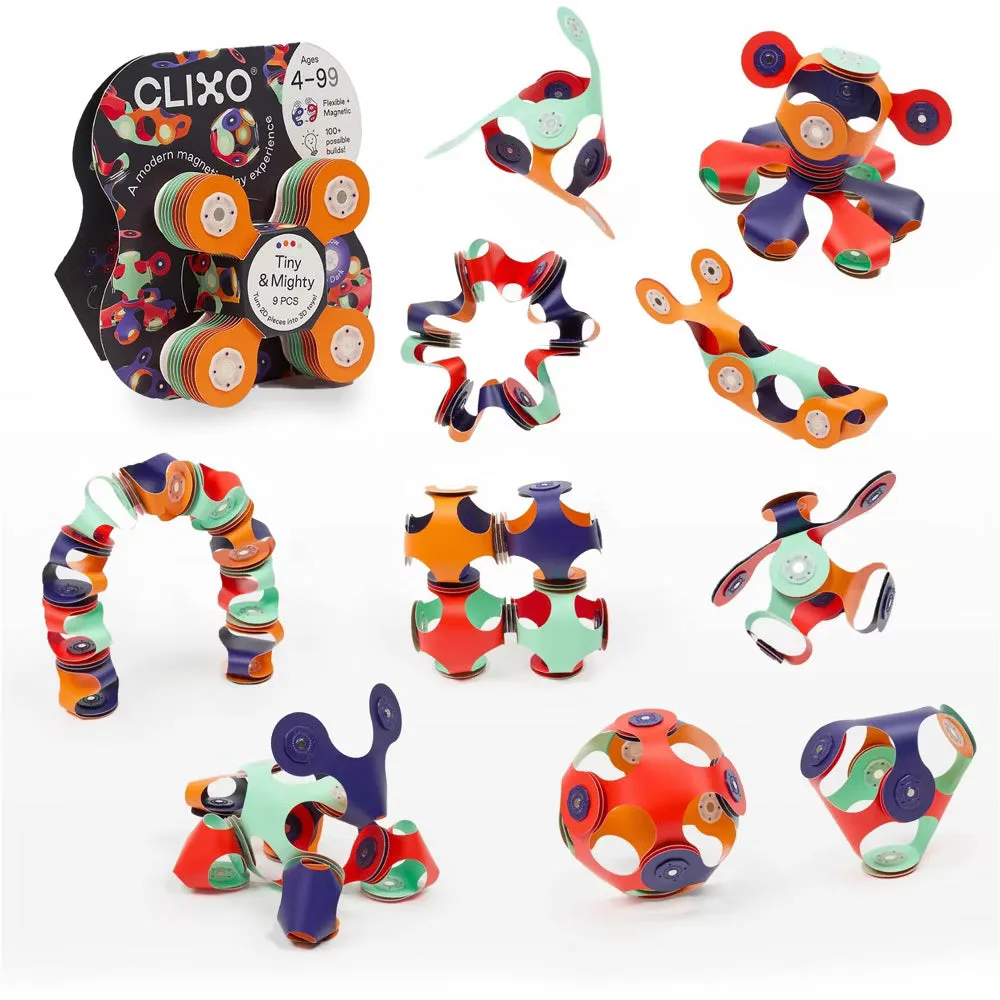
If the issue is that your child wants more wheels, flags, or themed pieces than the current set offers, that is a design limitation, not a defect. The Tiny & Mighty set has 9 Quad pieces and works well for pocket-sized builds, but it will not solve a missing-wheel problem. In that case, choose a larger or themed pack instead of troubleshooting further.
Diagnosis: match the symptom to the fix
- Pieces touch but do not click: The edges are probably misaligned. Lay both pieces flat and slide them together until the edges are flush, then press. If they click on a table but not in the air, it is a technique issue.
- Pieces click but pop apart easily: Debris or a worn edge may be blocking full contact. Clean the magnet edges with a dry cloth and retest. If cleaning fixes it, repeat after messy play sessions.
- One piece never connects to anything: Test that piece against a known-good piece. If it fails every time, isolate it and contact support. Stop forcing it; repeated pressure can damage the edges.
- The build falls apart at a wide gap: The span is too long for the pieces you are using. Rebuild with shorter spans or add an extra piece in the middle. If you need more shapes, a larger or themed set may be the better fix.
Sets that help you test and rebuild
- Mega Pack: Mega Pack includes 150 pieces, including wheels, sparkling flowers, flags, and fire accents. Having more pieces and shapes lets you swap parts when a connection fails, so you can tell whether the problem is the piece or the build.
- Dino Adventure Pack: Dino Adventure Pack has 36 pieces in 16 shapes, colors, and patterns. A variety of shapes helps you test whether a different piece can close a gap that a single piece could not.
- Tiny & Mighty: Tiny & Mighty contains 9 pieces of the signature Quad shape. A small, simple set is useful for isolating whether one specific Quad piece is the source of a connection problem.