Quick answer
Use Lightroom's Detail panel with a strong masking slider to sharpen only edges, then apply selective sharpening with the Adjustment Brush for specific areas like bird feathers or leaf veins.
Why selective sharpening matters for nature photos
Applying the same sharpening to an entire image often creates noise in smooth areas like sky or water. Selective sharpening lets you enhance fine textures—feathers, fur, bark—while keeping backgrounds clean. This is especially useful for bird photos where detail in the plumage defines the image.
The trade-off is time: you'll need to paint masks or adjust sliders per area. But the result is a natural, print-worthy look that global sharpening cannot match.
Step-by-step sharpening workflow in Lightroom
- Start with the Detail panel: Zoom to 100% on a textured area (e.g., bird feathers or tree bark). Set Amount to 80–120 and Radius to 0.8–1.2. Hold the Alt/Option key while dragging the Masking slider until only the edges you want to sharpen remain white. Common mistake: setting Radius too high (>2.0) creates unnatural halos. Keep it under 1.5 for nature photos.
- Apply the Adjustment Brush for local sharpening: Select the Adjustment Brush and set Sharpness to +50–80. Paint over key details like the bird's eye, beak, or leaf veins. For soft backgrounds, leave them untouched to avoid noise. Checkpoint: reduce Flow to 25–50 to build sharpening gradually. One pass is rarely enough.
- Use the Texture slider for fine details: In the same Adjustment Brush or Basic panel, increase Texture by +10–30 on feathers or fur. This enhances mid-frequency detail without the harshness of Clarity. Common mistake: overusing Texture on water or sky creates an artificial 'crunchy' look. Mask those areas out.
Recommended resource
-
Creative Sharpening in Lightroom: Discover how to selectively sharpen minute details, improve contrast and enhance textures for nature photography with Jay & Varina Patel. This tutorial dives deeper into the masking and texture techniques shown below, helping you refine your sharpening workflow for any nature subject.
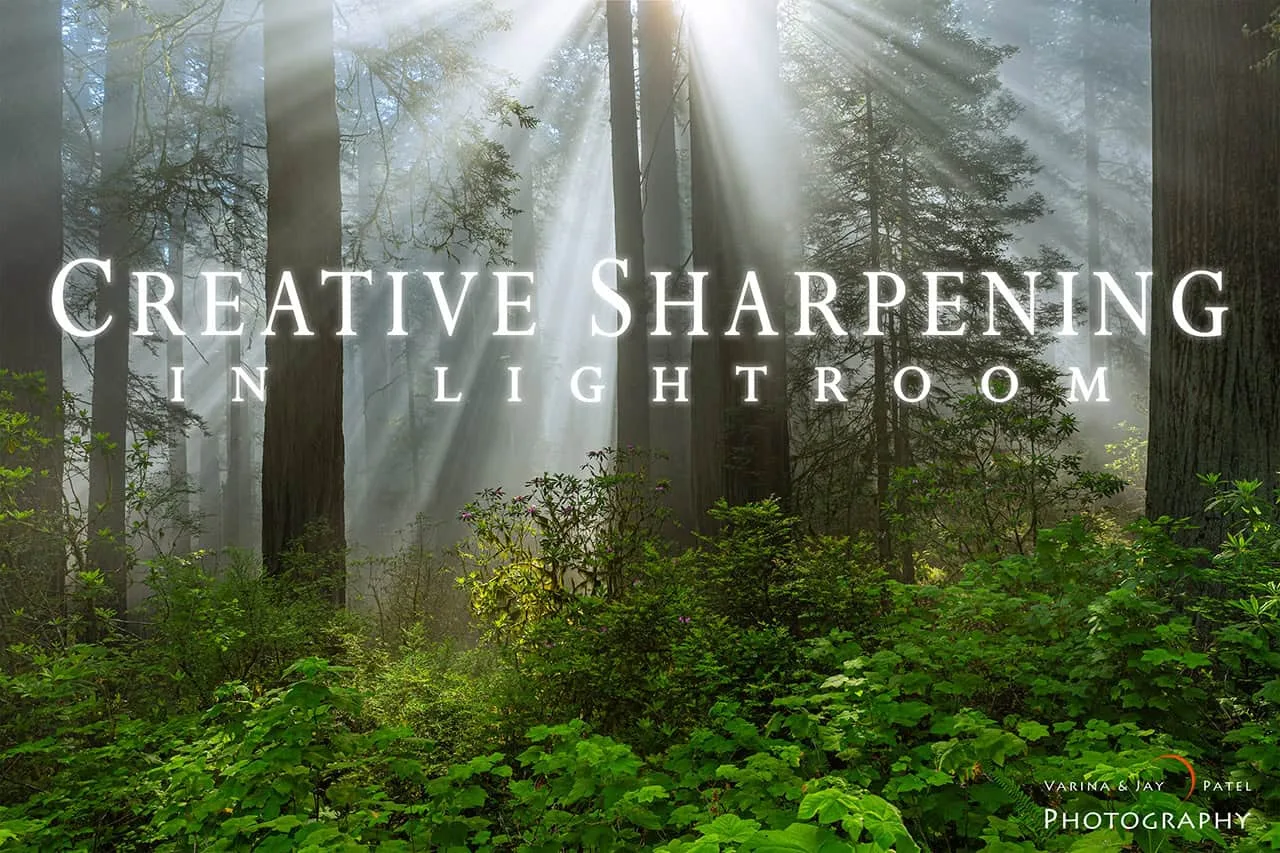
Creative Sharpening in Lightroom


