Quick answer
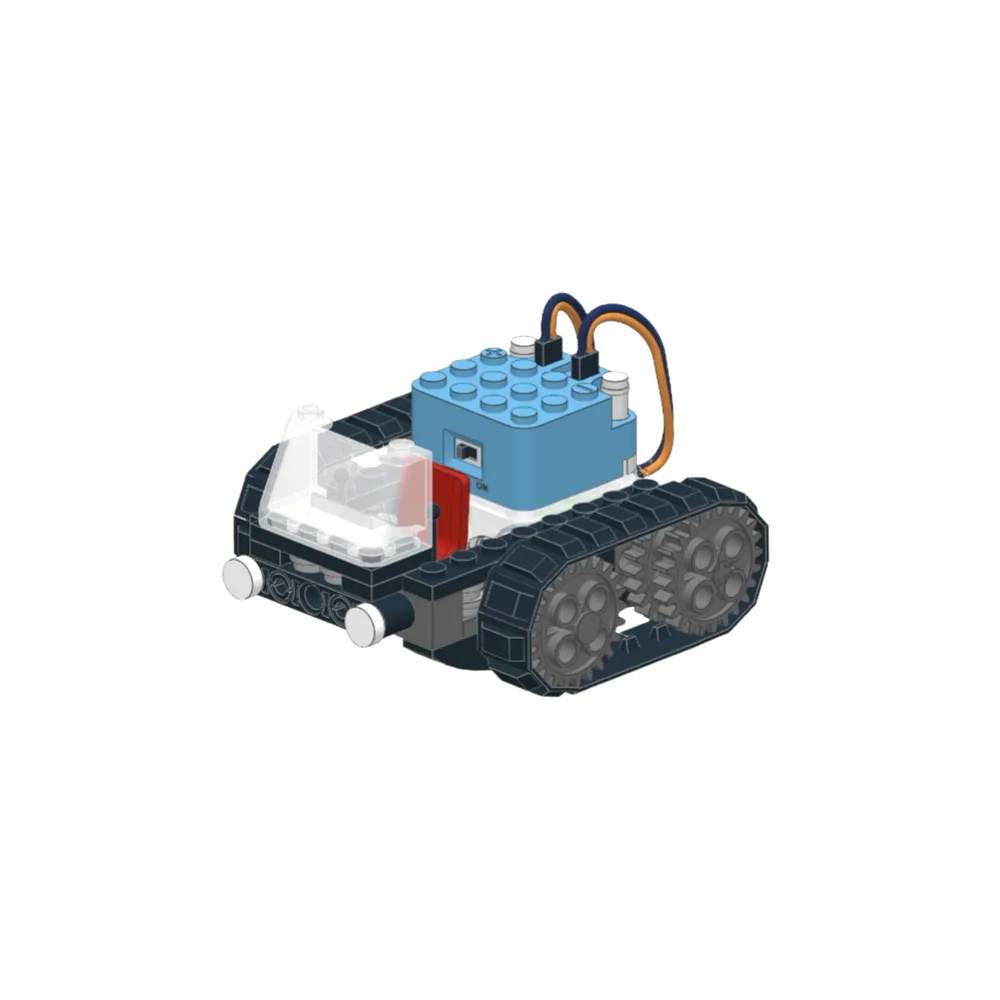
To build a line-following robot with Circuit Cubes, start with the Tracker kit because it includes two motors, a Bluetooth controller, and a chassis that already has sensor mounts. Add a Geared Motor Cube if you need more torque for heavier builds. Follow the steps below to assemble, wire, and test your robot on a simple black-line track.
What you need before you start
The Tracker kit gives you the core parts: a chassis, two motors, a Bluetooth controller, and battery holder. You will also need a roll of black electrical tape or a printed line-following track, plus four AA batteries. If your robot will carry extra weight, consider adding a Geared Motor Cube for extra torque. No soldering is required; all connections are snap-together.
Step 1: Assemble the chassis and mount the motors
Snap the two drive motors into the side mounts of the Tracker chassis. Make sure the motor shafts point outward and the wheels press on firmly. A common mistake is reversing one motor so the wheels spin in opposite directions. Check by briefly connecting the battery: both wheels should turn the same way when you push the throttle forward.
Step 2: Attach the line sensor and battery
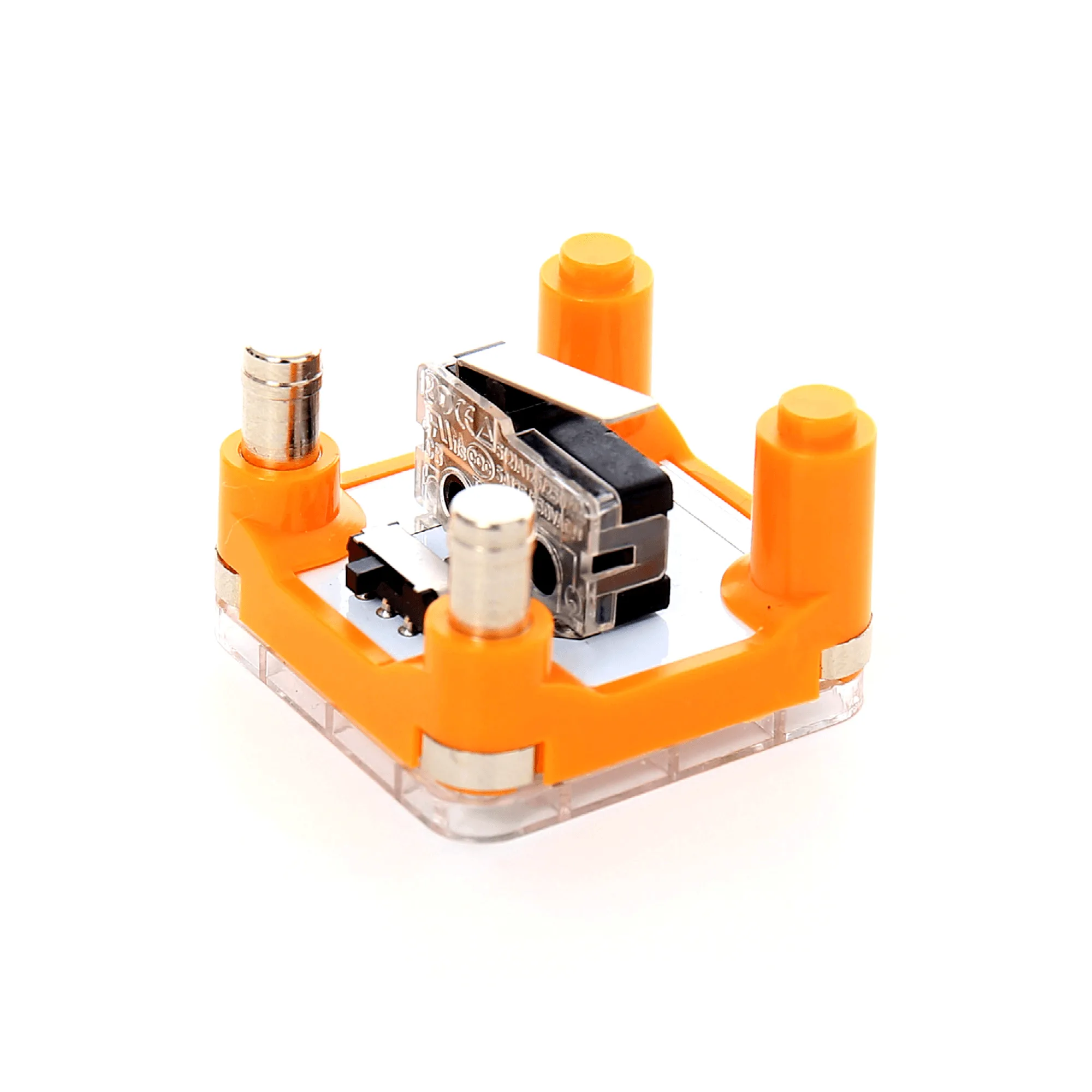
The Tracker includes a line sensor that snaps onto the front of the chassis. Position it so the sensor eyes are about 1/4 inch above the ground. If the sensor drags, add a small spacer. Then clip the battery holder to the rear of the chassis and plug the battery cable into the power port on the Bluetooth controller. Do not force the connector; it only fits one way.
Step 3: Wire the motors to the controller
Connect the left motor cable to the left motor port on the Bluetooth controller and the right motor cable to the right port. The Tracker uses color-coded plugs, so match the colors. If you are using a Geared Motor Cube, plug it into the same port as the motor it replaces. A common mistake is plugging a motor into the sensor port; that will not damage anything, but the robot will not move.
Step 4: Build a test track and calibrate
Create a simple track on a light-colored floor using black electrical tape. A basic oval or figure-eight works well. Turn on the robot and let it run. If it veers off the line, adjust the sensor height or clean the sensor lenses with a soft cloth. For sharp turns, slow the robot down using the Bluetooth app. The Geared Motor Cube reduces speed to about 75 RPM, which gives more torque and better control on tight curves.
Step 5: Troubleshoot common problems
If the robot spins in place, one motor is wired backward. Swap the motor plugs on the controller. If it ignores the line, check that the sensor is plugged into the correct port and that the battery is fully charged. If the robot moves slowly, the batteries may be weak; replace them with fresh alkaline cells. For extra traction on smooth floors, add a small piece of rubber tape to each wheel.
Step-by-step build checklist
- Mount motors on chassis: Snap both drive motors into the side mounts, shafts facing outward, and press wheels on firmly. Checkpoint: both wheels should turn the same direction when you briefly connect power.
- Attach sensor and battery: Clip the line sensor to the front, about 1/4 inch above the ground, and secure the battery holder to the rear. Mistake to avoid: letting the sensor drag on the floor; it will wear down and give false readings.
- Wire motors to controller: Plug left motor cable into left motor port and right motor cable into right motor port on the Bluetooth controller. Checkpoint: if the robot spins in place, swap the motor plugs.
- Create a test track: Use black electrical tape on a light floor to make an oval or figure-eight track. Start with gentle curves before trying sharp turns.
- Calibrate and test: Turn on the robot and let it follow the line. Adjust sensor height or clean lenses if it veers off. For sharp turns, slow the robot using the Bluetooth app.
- Troubleshoot: If the robot ignores the line, check sensor port and battery level. If it moves slowly, replace batteries. Add rubber tape to wheels for extra traction on smooth floors.
Key parts for your line-following robot
- Tracker: Tracker includes Bluetooth controller motors and online build instructions. This is the core kit for a line-following robot; the controller lets you adjust speed and direction without extra parts.
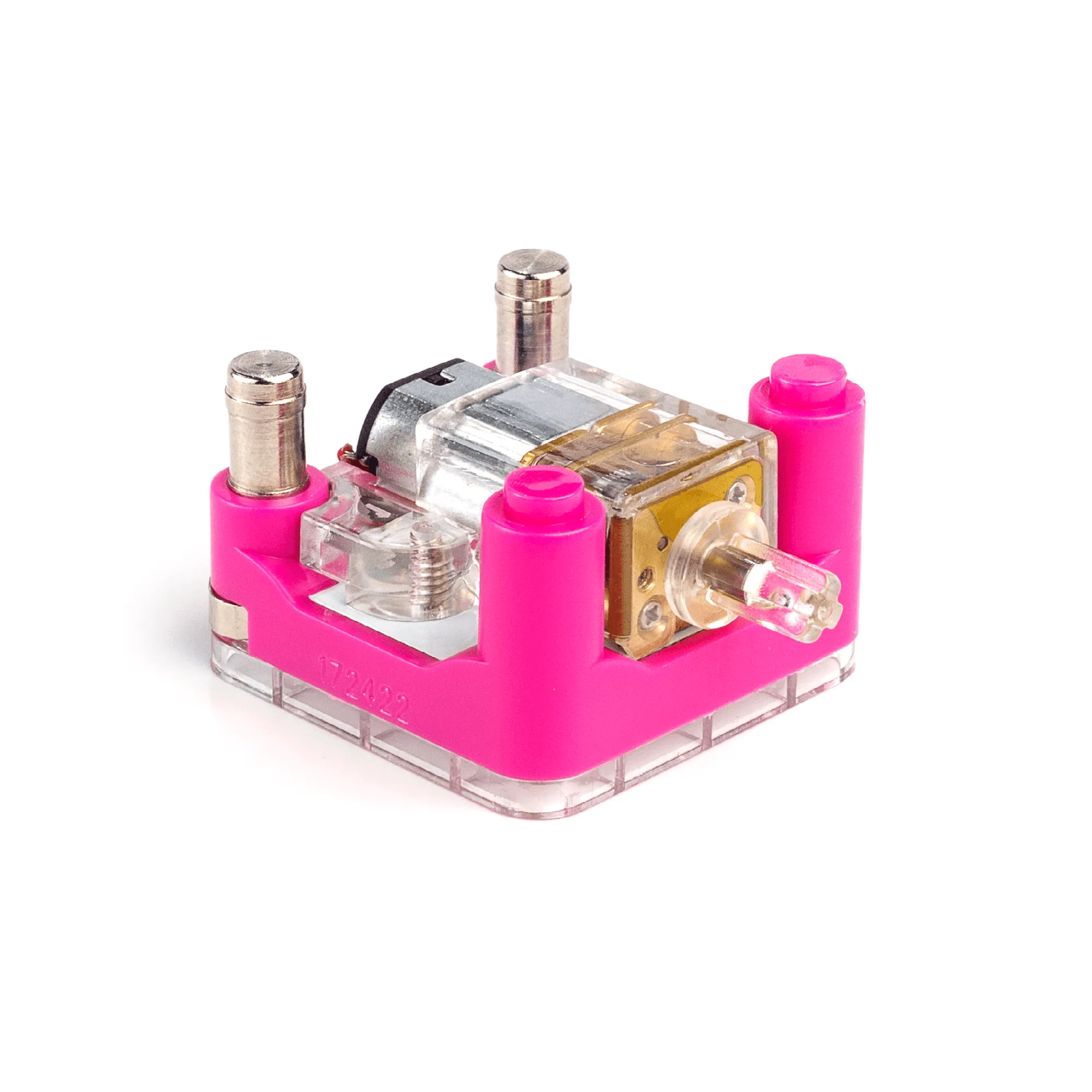
- Geared Motor Cube: Geared Motor Cube rotates at over 1,000 RPM but gears reduce output to about 75 RPM for maximum torque. Use this motor if your robot needs to push heavier loads or climb small ramps; the lower speed gives better control on tight turns.