Quick Answer
To get clear streaming audio from your Logitech microphone, plug it in via USB, select it as your default input device, adjust gain and pickup pattern in your operating system or streaming software, and position the mic 6–12 inches from your mouth.
Why USB Plug-and-Play Isn't Always Enough
Logitech microphones like the YETI NANO and YETI ORB connect directly via USB and are recognized instantly by Windows, macOS, and streaming software. However, the default system settings often apply generic audio profiles that can make your voice sound distant, muffled, or too quiet.
Taking a few minutes to configure gain, sample rate, and pickup pattern makes a noticeable difference in clarity and consistency. The Yeticaster GX, designed for streamers and podcasters, offers additional control options that reward careful setup.
Choosing the Right Pickup Pattern for Your Setup
Most Logitech USB microphones support multiple polar patterns. Cardioid mode picks up sound from the front and rejects noise from the sides and rear — ideal for a single streamer speaking into the mic. Omnidirectional captures sound equally from all directions, which works for roundtable discussions but will pick up keyboard clicks and room echo.
The YETI NANO and YETI ORB both offer cardioid and omnidirectional modes. The Yeticaster GX adds bidirectional and stereo patterns for more creative recording scenarios. If you stream solo, stick with cardioid for the cleanest audio.
Step-by-Step Setup Guide
- Connect and Select Your Microphone: Plug the USB cable into your computer and the microphone. On Windows, go to Sound Settings > Input and choose your Logitech mic. On macOS, open System Preferences > Sound > Input and select it. In OBS or Streamlabs, add a new Audio Input Capture source and pick the same device. Common mistake: leaving your built-in laptop mic selected — your stream will pick up fan noise and keyboard clicks instead of your voice.
- Set Gain and Volume Levels: Open your operating system's sound panel and set the microphone volume to 70–80%. Then, in your streaming software, adjust the gain slider so your voice peaks in the yellow zone (around -12 dB to -6 dB) without hitting red. Speak at your normal streaming volume while testing. Common mistake: cranking gain to 100% introduces background hiss and distortion. Lower gain and move closer to the mic for cleaner audio.
- Choose the Correct Pickup Pattern: If your microphone has a pattern switch on the body (common on YETI NANO and Yeticaster GX), set it to Cardioid (heart-shaped icon). This focuses on sound from the front and rejects noise from behind and the sides. For a single streamer, this is the best choice. Common mistake: leaving the mic in Omnidirectional mode picks up room echo and keyboard sounds, making your stream sound unprofessional.
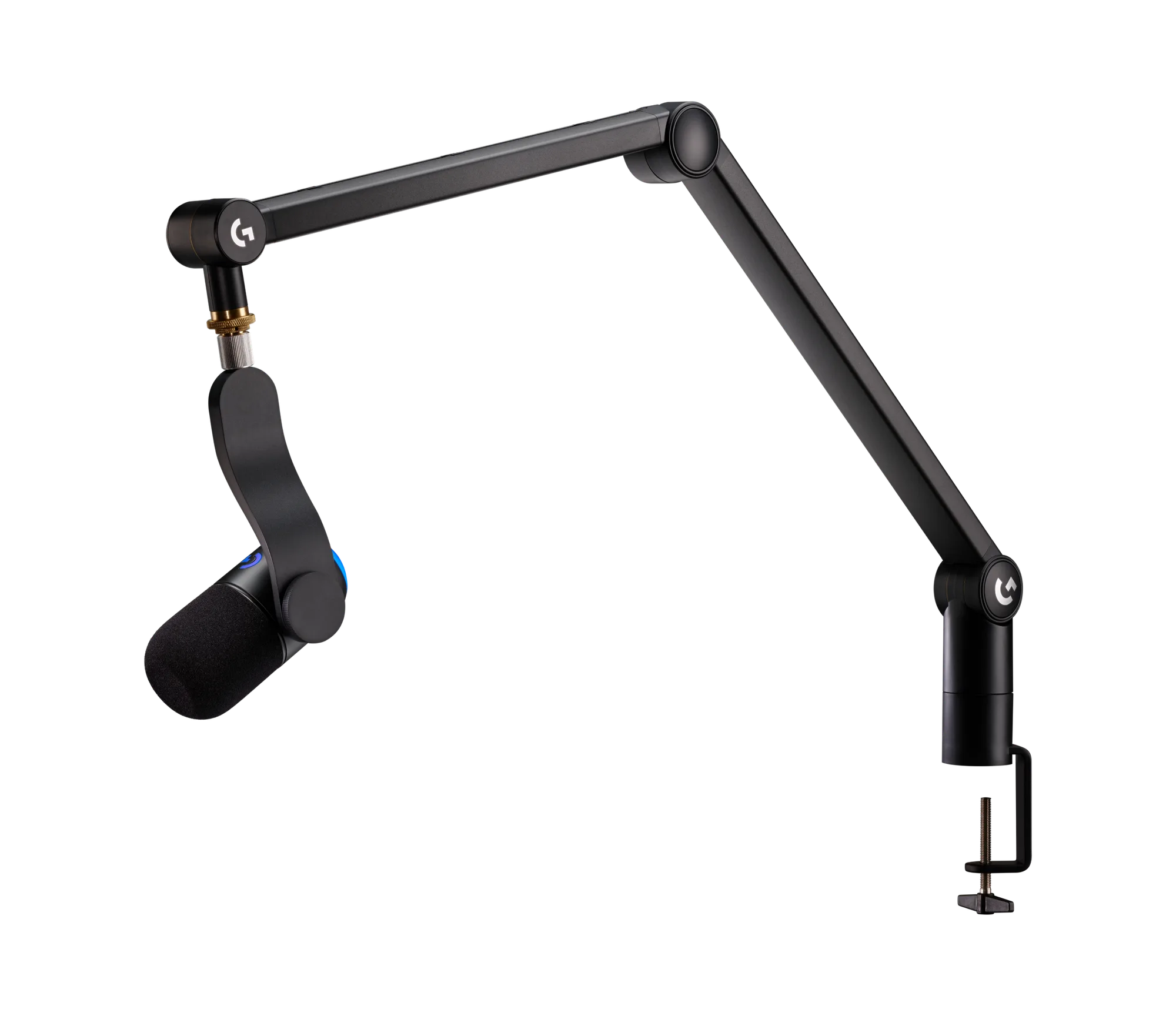
- Position the Microphone Correctly: Place the microphone 6–12 inches from your mouth, slightly off to the side (45-degree angle) to avoid plosive pops from 'p' and 'b' sounds. Use the included stand or a boom arm to keep it stable and at mouth level. Common mistake: positioning the mic too far away (over 12 inches) makes you sound quiet and distant; too close (under 4 inches) causes distortion and breath noise.
- Adjust Sample Rate and Bit Depth (Optional): For best quality, set your microphone to 48,000 Hz sample rate and 24-bit depth in your operating system's sound settings. In OBS, go to Advanced Audio Properties and set the same values. This matches streaming platform standards and reduces audio artifacts. Common mistake: leaving the sample rate at 44,100 Hz (CD quality) works, but 48 kHz is the standard for video streaming and avoids resampling issues.
- Test and Fine-Tune with Your Streaming Software: Record a 30-second test clip in OBS or your streaming software. Listen for background noise, echo, or distortion. If needed, add a noise gate filter (set threshold to -40 dB) and a compressor (ratio 3:1, threshold -18 dB) to even out your volume. Adjust gain slightly if your voice sounds too quiet or too loud. Common mistake: skipping the test recording — what sounds fine in headphones may have background hum or echo that only becomes obvious on playback.
Microphone Models Referenced
-
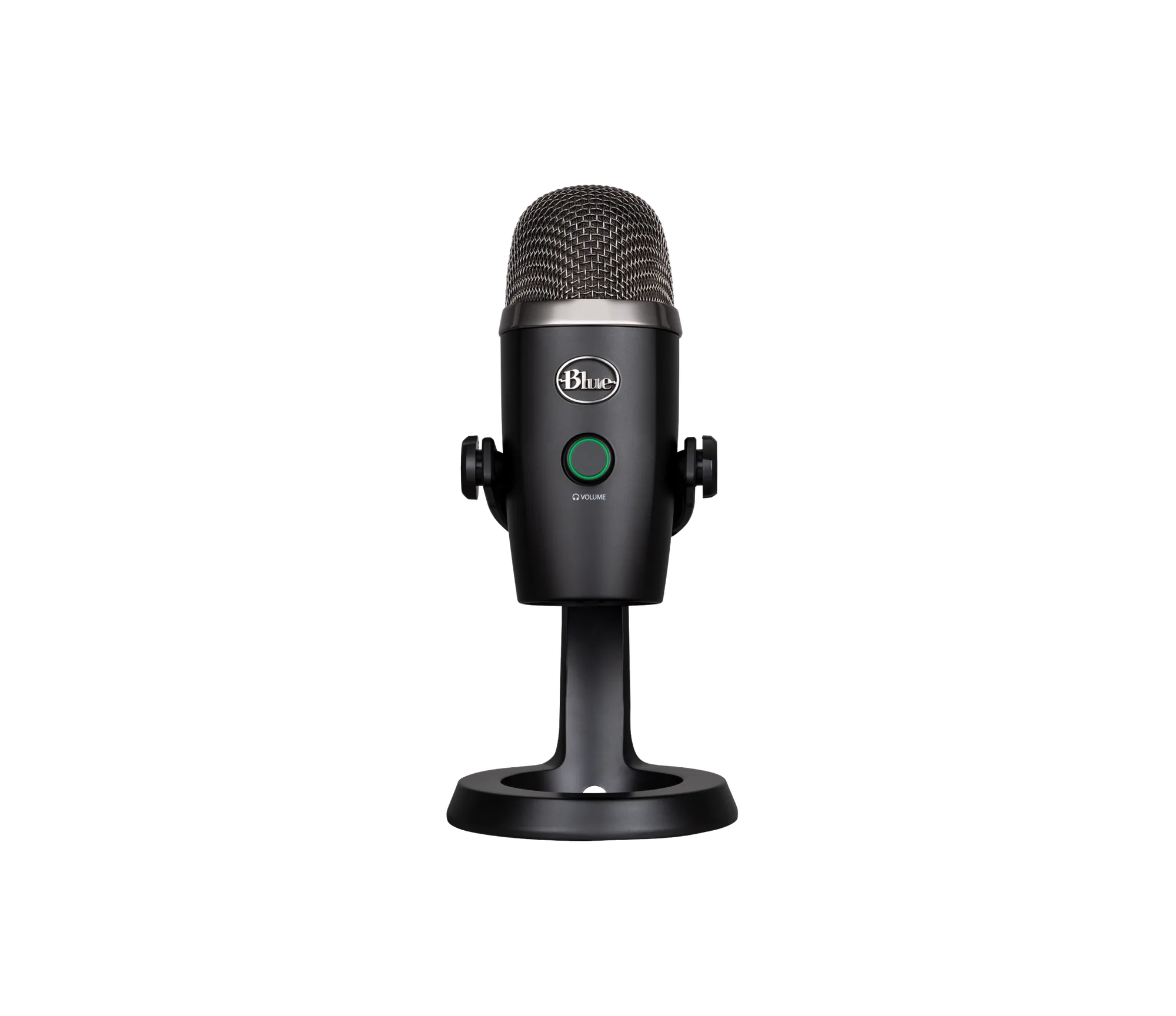
YETI NANO USB MICROPHONE - Black: The YETI NANO USB MICROPHONE in Black delivers reliable audio capture for your desktop setup with USB plug-and-play connectivity and a compact nano design. Its small footprint saves desk space while still providing the cardioid pattern needed for clear solo streaming.
YETI NANO USB MICROPHONE - Black
-
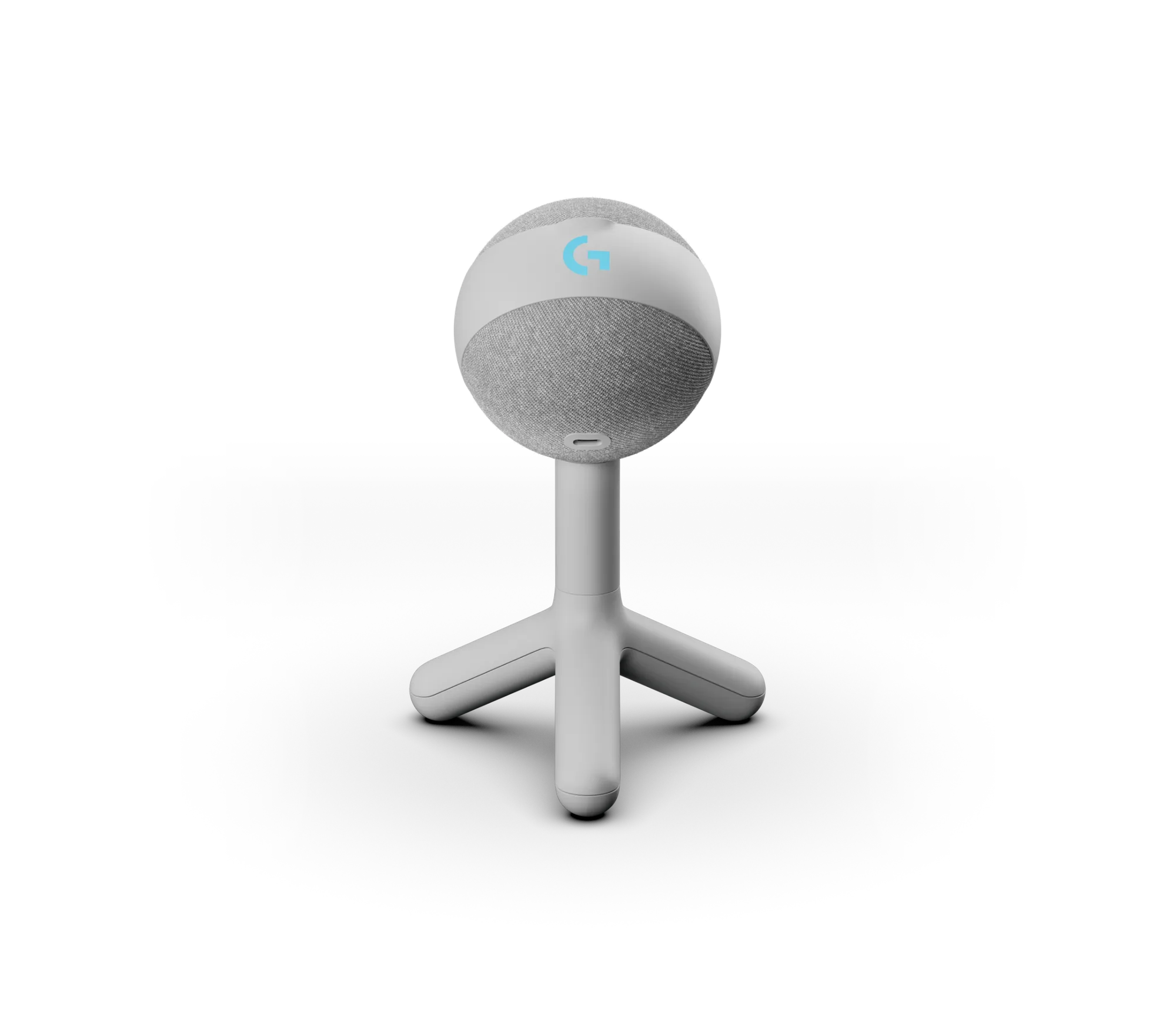
YETI ORB - White: The YETI ORB in White is a microphone designed for clear audio capture with a sleek finish and USB connectivity. It offers an affordable entry point for streamers who want reliable audio without complex setup — just remember to adjust gain manually.
YETI ORB - White
-
Yeticaster GX - Black: The Yeticaster GX in Black is a professional-grade microphone designed for clear, reliable audio capture, built for streamers, podcasters, and content creators. Its professional design includes extra polar patterns and build quality that justify the higher price if you plan to grow your streaming setup.