Quick answer
Most sonic toothbrush charging problems come from dirty or wet contact points, a charger that is not receiving power, or a battery that has reached the end of its life. Clean and dry the contacts, confirm the outlet works, and reseat the brush on the base. If the indicator still does not light after a full charging cycle, the battery or charging base has likely failed and replacement is the practical next step.
Start with the contact points, not the battery
Before you assume the battery is dead, look at the metal contacts on the bottom of the brush handle and the matching pins on the charging base. A thin film of toothpaste, water, or hard-water residue is enough to block the charging current. Wipe both surfaces with a dry cloth or a cotton swab, then set the handle back on the base and check whether the charging light comes on. If the light appears only after cleaning, the problem was contact resistance, not a failed battery.
- Unplug the base before cleaning to avoid any risk.
- Dry the handle thoroughly; moisture on the contacts can prevent charging.
- Make sure the handle sits flat and centered on the base, not tilted.
Test the outlet and the charging base separately
If the contacts are clean and the light still does not come on, move the charging base to a different outlet you know works. Plug a lamp or phone charger into the original outlet to confirm it has power. If the base only works in one outlet, the outlet is the issue. If it fails in every outlet, the charging base itself is the likely fault. Many bases are not user-serviceable, so a failed base usually means replacing the base or the brush, depending on which part is sold separately.
- Try a different outlet in another room to rule out a switched socket.
- Check the charging cable for cuts, kinks, or a loose connection at the base.
- If your model has a USB charging cable, test it with a different power adapter.
How to tell a worn battery from a charging fault
A battery that is failing often shows a pattern: the brush charges but runs for only a few seconds, or the charging light flickers and never stays solid. A charging fault usually means the light never comes on at all, even after cleaning and trying a new outlet. If your brush runs briefly after a full charge but cannot hold that charge for a normal brushing session, the battery is the limiting factor. Built-in batteries are not designed for user replacement in most sonic models, so this is the point where you compare the cost of a new handle against continued troubleshooting.
- Charge for the full recommended time before judging battery health.
- Note how long the brush runs after a full charge; a sharp drop points to the battery.
- If the handle becomes unusually warm during charging, stop using it and replace it.
When to stop troubleshooting and replace instead
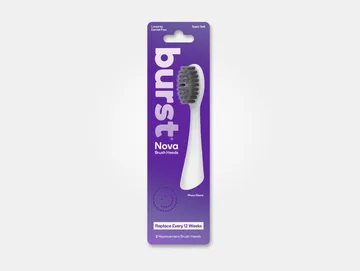
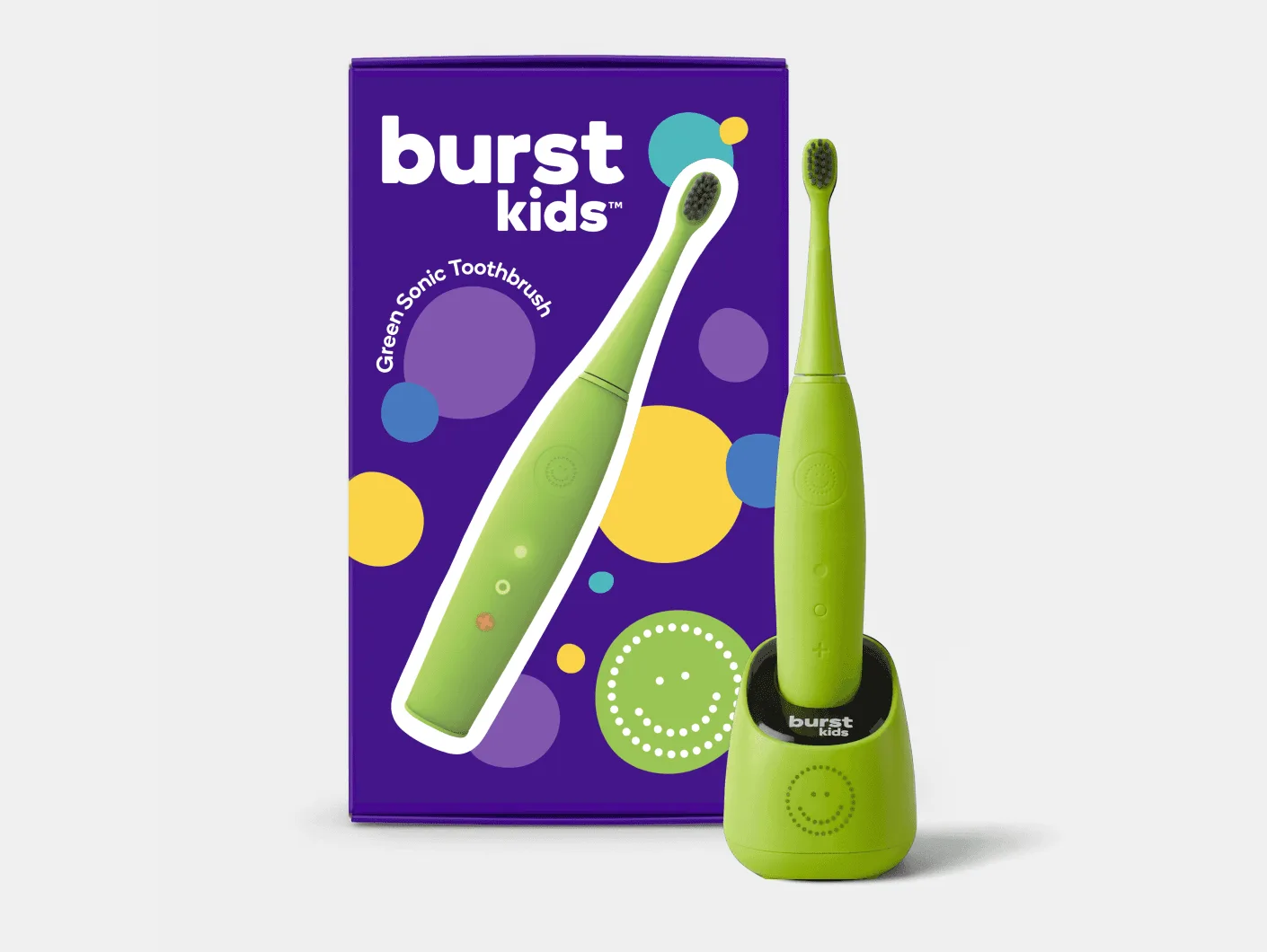
Set a limit: if you have cleaned the contacts, tried a known-good outlet, and completed a full charge cycle without a solid charging light or a normal run time, further troubleshooting rarely pays off. At that point, the decision is between replacing the charging base, replacing the handle, or replacing the brush. If you already own a BURST sonic toothbrush, a fresh Nova Sonic Replacement Head is a low-cost way to keep the brush you have in service, but it will not fix a charging fault. For a child who is ready for their own brush, the Kids Sonic Toothbrush is a separate purchase that comes with its own charging setup.
- Clean contacts and test a new outlet first; these are free fixes.
- If the base is the only faulty part and is sold separately, replace just the base.
- If the handle will not hold any charge, replace the handle or the whole brush.
Diagnosis: match the symptom to the fix
- No charging light, brush sits on the base: Dirty or wet contact points are the most common cause. Clean and dry both the handle base and the charging pins, then reseat the brush. If the light comes on after cleaning, you have fixed it.
- No charging light after cleaning, base in one outlet: Test the outlet with another device and try a different outlet. If the base works elsewhere, the original outlet is the problem. If the base fails in every outlet, the base is faulty.
- Charging light works but run time is very short: The battery is no longer holding a useful charge. Built-in batteries are usually not user-replaceable in sonic handles. Compare the cost of a new handle or brush against continued troubleshooting; replacement is usually the better value.
- Handle gets warm or smells hot during charging: Stop charging immediately. A warming handle can indicate an internal fault that cleaning will not fix. Do not keep using a handle that overheats; replace it.
Products that help you keep brushing
- Nova Sonic Replacement Head: The Nova Sonic Replacement Head is compatible with BURST Sonic toothbrushes and is designed to keep your brush performing at its best. If your handle still charges and runs normally, a fresh replacement head restores the cleaning performance without buying a new brush.
- Kids Sonic Toothbrush: The Kids Sonic Toothbrush is clinically proven to be more effective at removing dental plaque than a manual toothbrush, based on BURST's work with 40,000+ dental professionals. If a child's brush has stopped charging and the handle is not serviceable, this is a dentist-informed sonic option to consider for a replacement.
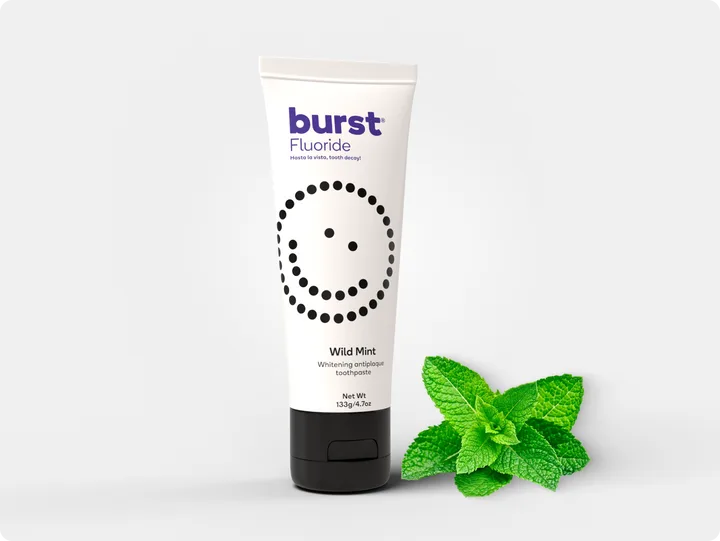
- Toothpaste Fluoride: BURST Toothpaste Fluoride contains fluoride to help protect against cavities and is formulated for everyday use by the whole family. While you sort out a charging problem, keeping up with a fluoride toothpaste helps maintain your daily oral care routine.