Quick answer
Most eufy alarm kit sensor issues stem from placement, battery level, or pairing errors. Start by checking the sensor gap for entry sensors, ensuring motion sensors are not facing heat sources, and confirming the HomeBase S380 is within range. If alerts still misfire, a factory re-pair usually resolves the problem.
Check sensor placement and gap
Entry sensors on doors and windows need a consistent gap of less than 1 cm between the magnet and the sensor body. If the gap widens due to door sag or seasonal expansion, the sensor may trigger a false alert or fail to report an open door. Reposition the sensor or add a spacer to maintain alignment.
Inspect battery levels and signal strength
Low battery is a common cause of intermittent alerts. Open the eufy Security app and check the battery status of each sensor. Replace batteries with fresh CR123A or CR2032 cells as needed. Also verify that the sensor is within 30 feet of the HomeBase S380; thick walls or metal appliances can reduce range and cause missed alerts.
Rule out environmental triggers for motion sensors
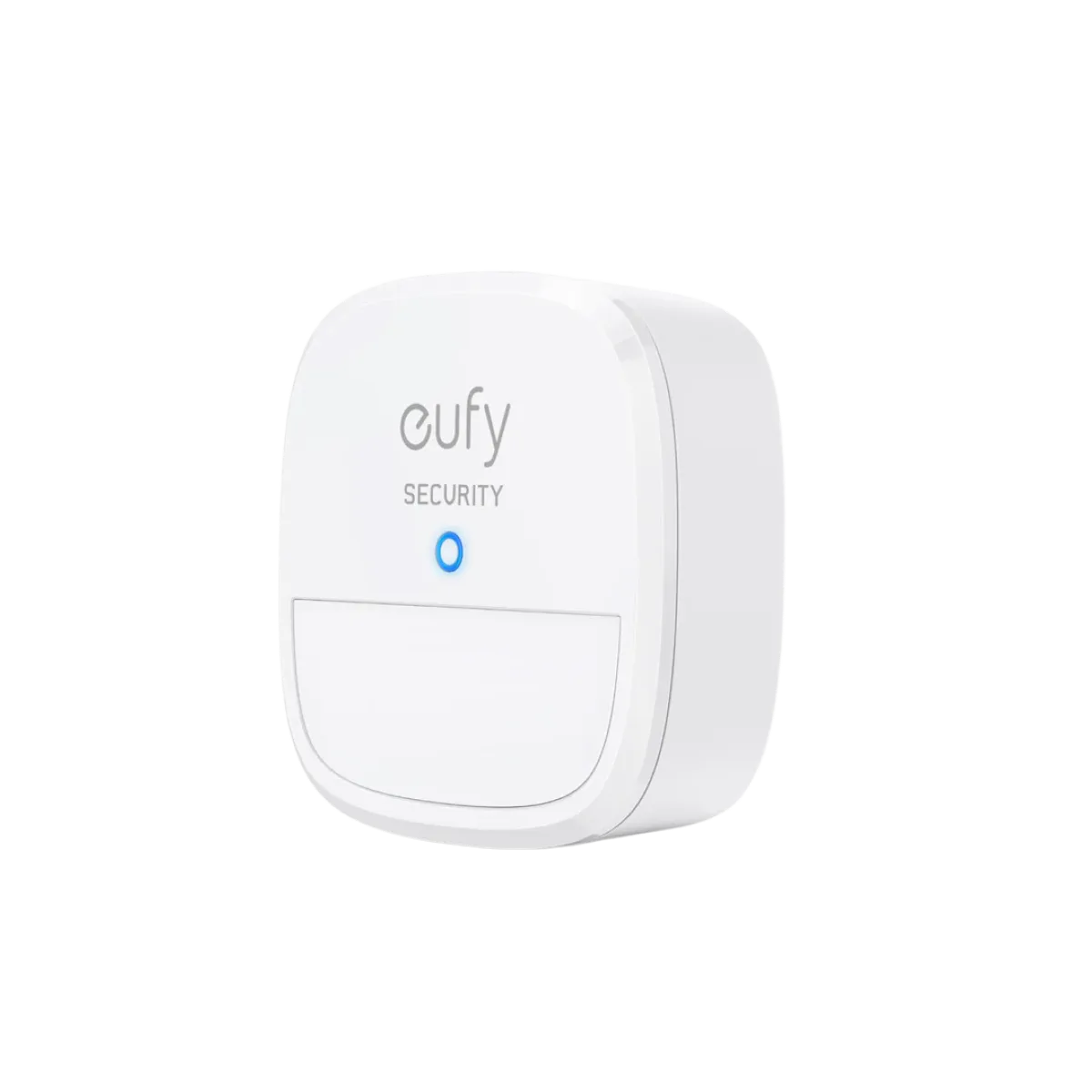
Motion sensors can false-alert when placed near heating vents, radiators, direct sunlight, or moving curtains. Relocate the sensor so its field of view avoids these sources. The 5-Piece Home Alarm Kit includes a motion sensor with adjustable sensitivity; lowering the sensitivity in the app can reduce nuisance alerts without compromising security.
motion sensor
Re-pair sensors that remain unresponsive
If a sensor stops communicating after a battery change or relocation, re-pair it with the HomeBase. In the eufy Security app, remove the sensor from the device list, then re-add it by pressing the sync button on the sensor and following the on-screen instructions. This process clears any corrupted pairing data and restores reliable alerts.
Diagnosis guide
- Symptom: false alarm at night: Entry sensor or motion sensor triggers repeatedly between midnight and dawn. Likely cause: motion sensor facing a heat source (heater, vent) or entry sensor gap too wide. Check placement first. If resolved, stop here.
- Symptom: no alert when door opens: Door opens but app shows no notification and alarm does not sound. Likely cause: dead battery or sensor out of range. Replace battery and move sensor closer to HomeBase. If alert returns, stop here.
- Symptom: sensor shows offline in app: Sensor appears as disconnected or unavailable in the eufy Security app. Likely cause: pairing lost after battery change or interference. Remove and re-pair the sensor. If still offline, contact eufy support for replacement.
Product facts
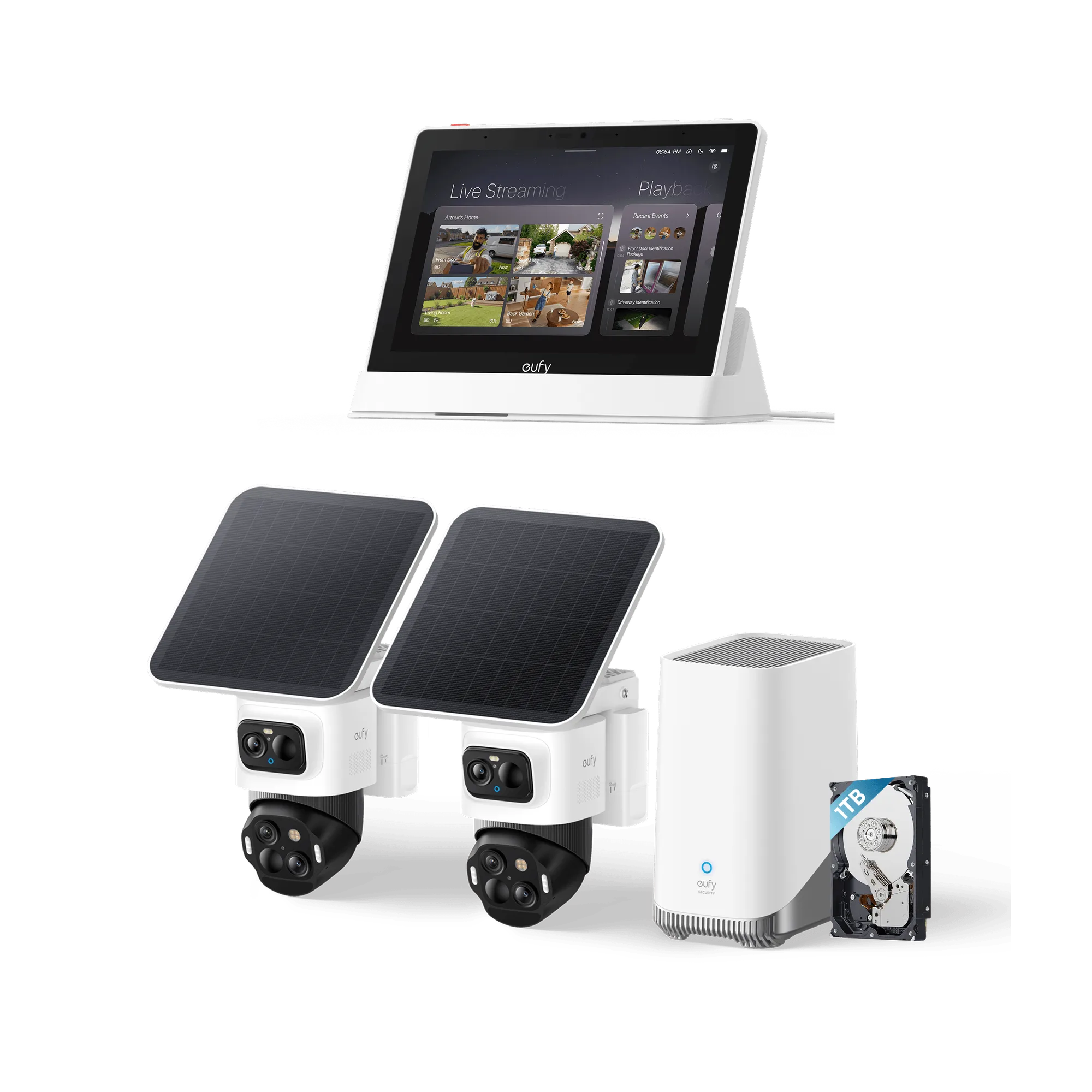
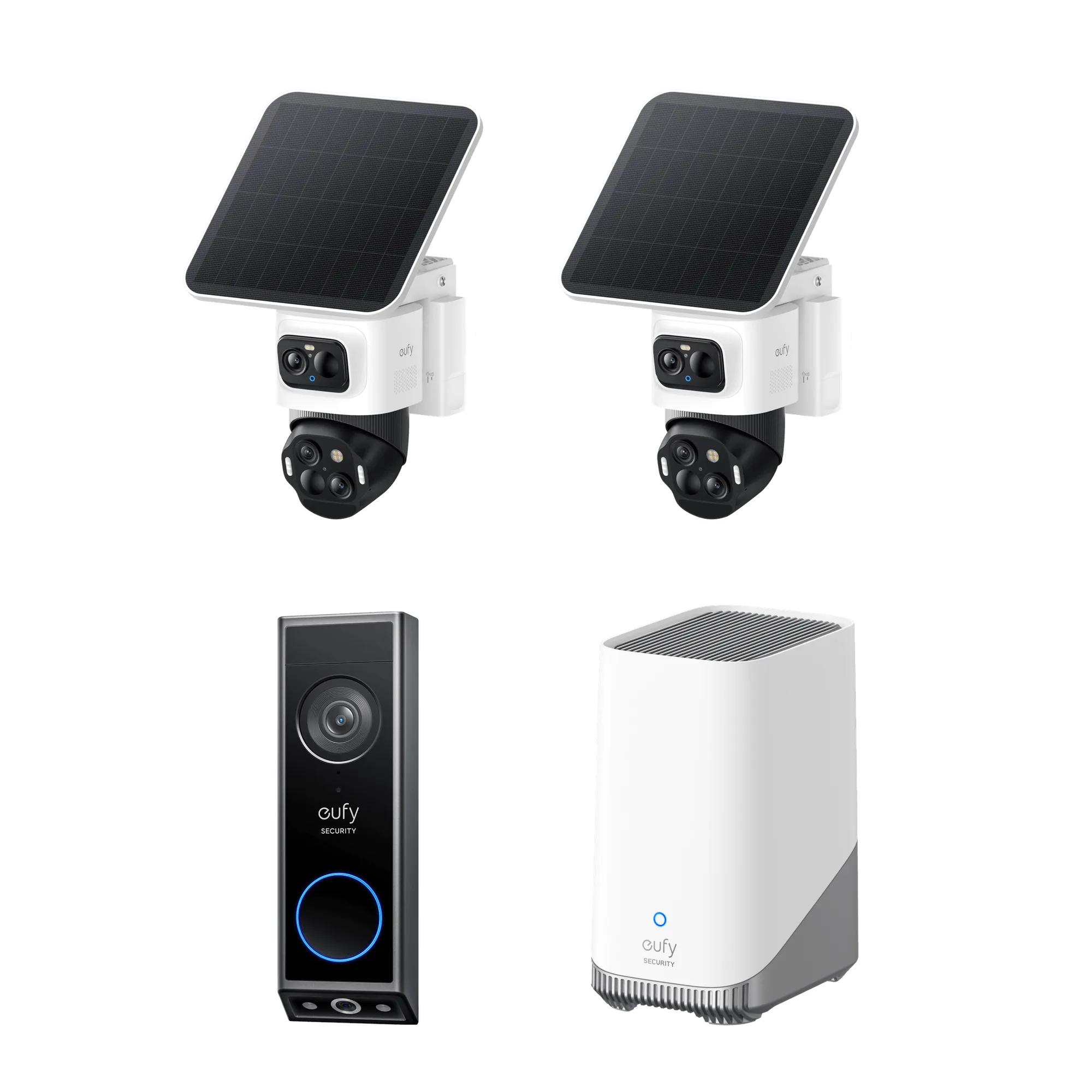
- eufy Smart Display E10 + HomeBase S380: The eufy Smart Display E10 + HomeBase S380 bundle provides a central hub that lights up with a live feed and voice alert when a doorbell rings, door unlocks, or camera detects motion. If your alarm kit sensors are triggering the display unexpectedly, the issue is likely sensor placement or sensitivity rather than the hub itself. The HomeBase S380 acts as the communication bridge, so keeping it centrally located improves sensor reliability.
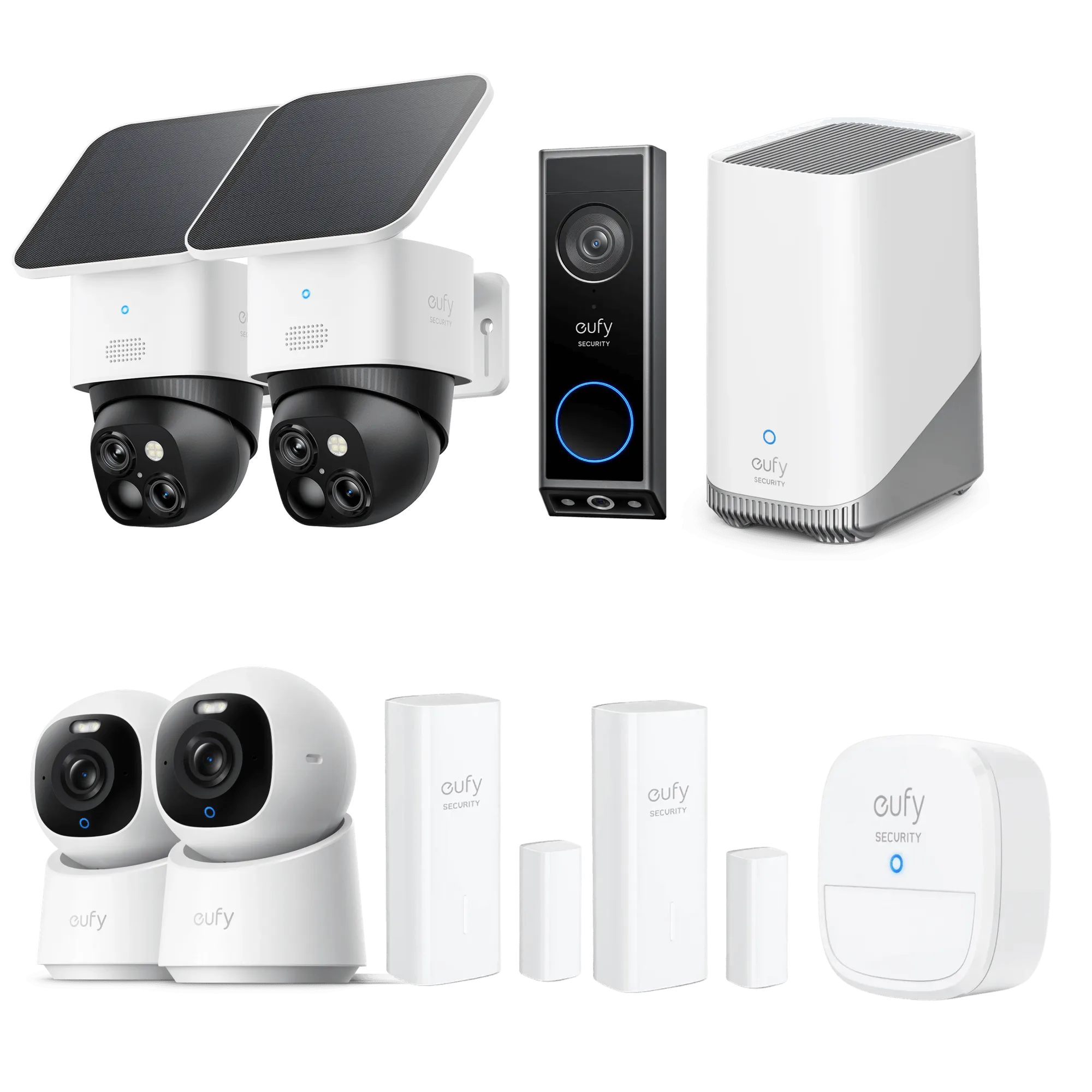
- 5-Piece Home Alarm Kit: The 5-Piece Home Alarm Kit includes entry sensors, a motion sensor, and a keypad. It is designed for easy DIY installation with no monthly fees. When troubleshooting, remember that the entry sensors attach to doors and windows, while the motion sensor should be wall-mounted away from heat sources. The kit's simplicity means most alert issues are due to placement or battery, not hardware failure.