Quick Answer
Use the Tally Pro Precision Scale Studio Edition's Brew Assist Mode to automatically guide your pour-over to the correct coffee-to-water ratio. Set your dose, choose your ratio, and follow the live weight prompts on the OLED screen.
Why Brew Assist Mode Matters for Consistency
The Tally Pro Precision Scale Studio Edition includes a unique Brew Assist Mode that eliminates guesswork. Instead of manually tracking your water weight and stopping at a target, the scale shows you exactly how much water to add in real time. This is especially helpful for pour-over methods where you add water in stages.
Setting Up Before You Brew
Place the scale on a flat, stable surface. Turn it on by pressing the power button. Make sure the platform is clean and dry. Place your pour-over dripper and carafe or mug on the scale. Tare the scale to zero before adding coffee grounds.
How to Use the Tally Pro Scale for Pour Over: Step-by-Step
- 1. Turn on the scale and select Brew Assist Mode: Press the power button to turn on the scale. Press the mode button until you see 'Brew Assist' on the OLED screen. The scale will prompt you to set your coffee dose. Make sure the scale is on a level surface before starting, or the readings may drift.
- 2. Set your coffee dose and ratio: Place your empty pour-over setup on the scale and tare to zero. Add your ground coffee. The scale will automatically detect the weight. Use the arrow buttons to select your desired coffee-to-water ratio (e.g., 1:16). If the scale doesn't detect the dose, tap the tare button again to reset. A common mistake is forgetting to tare after placing the dripper.
- 3. Start your pour and follow the prompts: Begin your pour-over as usual. The OLED screen will display a live target weight that updates as you pour. Pour until the scale indicates you've reached the target for that stage. The scale accounts for the water absorbed by the coffee grounds. Pour slowly and steadily. The scale updates in real time, so a fast pour can overshoot the target before the display catches up.
- 4. Finish and clean up: Once the final target weight is reached, the scale will beep or display a completion message. Remove your dripper and enjoy your coffee. Wipe the scale platform with a damp cloth; do not submerge the scale in water. The scale is not waterproof. Avoid spilling water on the screen or buttons during use.
Product Facts
-
Tally Pro Precision Scale Studio Edition: The Tally Pro Precision Scale Studio Edition features a first-of-its-kind Brew Assist Mode that guides you to your target brew weight based on your chosen coffee-to-water ratio. This means you don't have to calculate water amounts or watch a timer; the scale tells you exactly when to stop pouring for each stage of your pour-over.
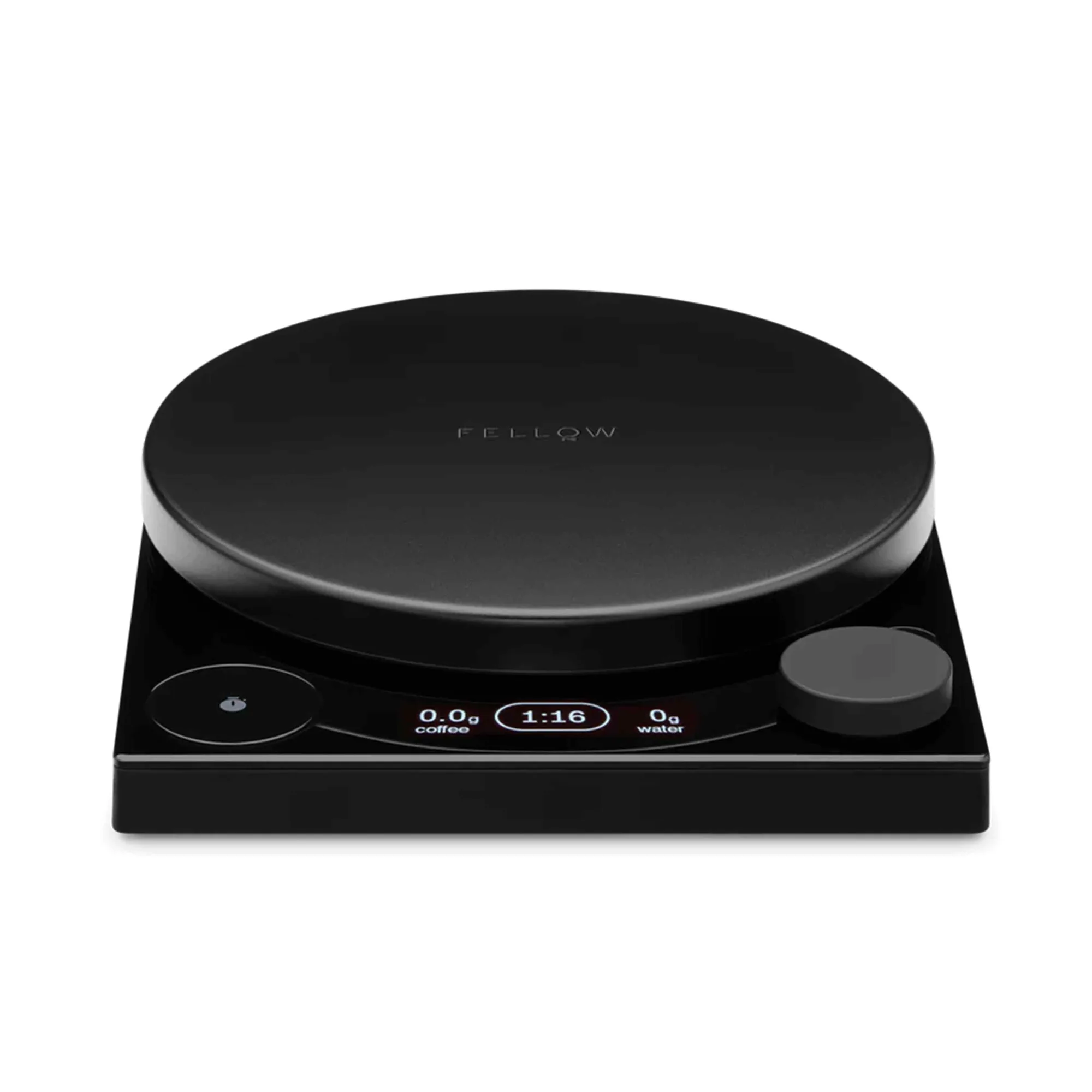
Tally Pro Precision Scale Studio Edition


