Quick Answer
To install a Pixel 10 Pro screen protector without bubbles, clean the screen thoroughly, align the protector carefully, and use a card to press out air as you lower it.
Why Alignment Matters More Than Speed
The Pixel 10 Pro's curved edges make alignment tricky. If you rush, you might misalign the protector, leaving edges exposed or lifting. Take your time to position it perfectly before letting it touch the screen.
A dust-free environment is your best friend. Even tiny particles cause bubbles that are hard to remove. Work in a bright room, and use the included dust stickers to lift any specks you spot.
Trade-Offs: Glass vs. Film Protectors
Tempered glass offers superior scratch and impact protection but can be thicker and less flexible. Film protectors are thinner and easier to apply, but they don't guard against drops as well. For most Pixel 10 Pro users, glass is worth the extra care during installation.
If you choose a glass protector with blue light filtering, you get the added benefit of reduced eye strain, but you may notice a slight color warmth. This is a fair trade-off for long screen sessions.
Step-by-Step Installation
- 1. Prepare Your Workspace: Clean a flat surface and turn on a bright light. Wash your hands to remove oils. Remove your Pixel 10 Pro case to avoid interference. A clean, well-lit area reduces dust and makes alignment easier.
- 2. Clean the Screen Thoroughly: Use the included alcohol wipe to remove oils, then dry with the microfiber cloth. Use the dust sticker to lift any remaining particles. Check from an angle to spot hidden dust. If you see dust after cleaning, use the sticker again before proceeding.
- 3. Align the Protector Before Touching: Peel the backing, hold the protector by the edges, and align it with the speaker and camera cutouts. Lower it slowly, letting the adhesive catch the screen from the top edge downward. Don't press down until the protector is perfectly aligned; once it touches, repositioning is difficult.
- 4. Press Out Air Bubbles: Use the included squeegee card to push air bubbles toward the edges. Work from the center outward with firm, even strokes. If a bubble persists, lift the nearest edge slightly and re-press. For stubborn bubbles, lift only the corner closest to the bubble and reapply with a card.
- 5. Check for Lifted Edges: Inspect the edges and corners. If any are lifting, press them down firmly. Reattach your case and test touch response. If edges lift after a few hours, consider a case with a smaller lip to avoid pressure on the protector.
Recommended Protector
-
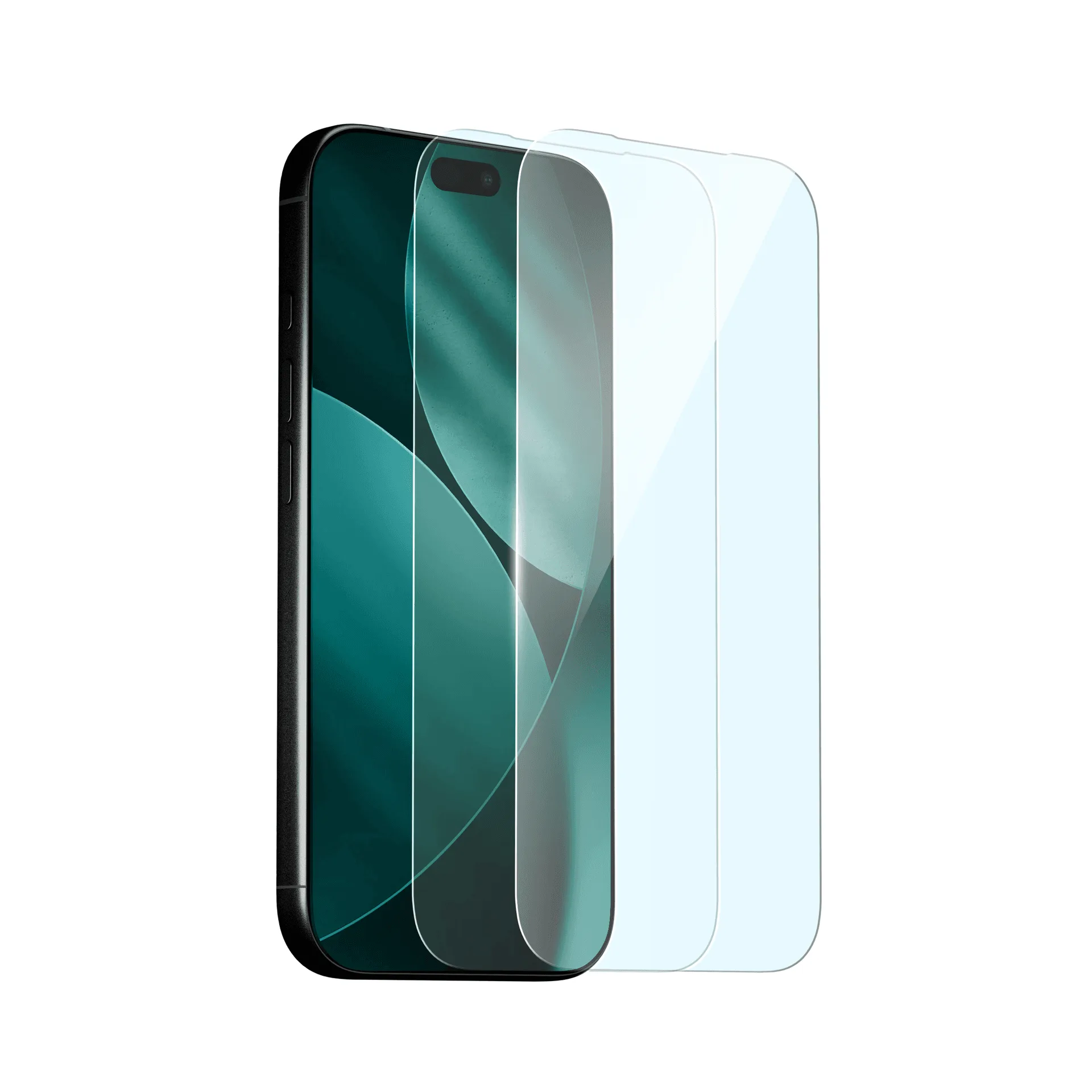
Blue Light Screen Protector (2 Pack): Blue light filtering screen protector with toughened 9H glass, scratch resistance and edge-to-edge coverage. It reduces blue light exposure while maintaining clarity and touch response, making it a solid choice for daily use and prolonged screen time.
Blue Light Screen Protector (2 Pack)