Quick answer
Most Toniebox Wi-Fi failures come from one of four things: a mistyped password, a 5 GHz-only network, weak signal where the box sits, or a setup attempt that was never finished. Re-enter the password exactly as written, confirm your router is broadcasting a 2.4 GHz band, move the Toniebox closer during setup, then complete the pairing in the app. If it still fails after those steps, use offline mode for the day and treat the connection as a hardware or router issue to resolve separately.
Start with the password, not the box
The single most common cause of a Toniebox network problem is the password itself. Passwords are case-sensitive, and it is easy to confuse a capital I with a lowercase l, or a zero with the letter O. Type it into a notes app first, check it character by character, then paste or retype it during setup. If your router has a guest network, make sure you are entering the guest password only if you intend to use that network.
Also confirm which network name you are joining. Homes with a main network and an extender often broadcast two similar names, and the Toniebox may be trying the weaker one. Pick the network closest to where the box will live, not the one that appears first in the list.
Check the band and the signal
Many home routers broadcast both 2.4 GHz and 5 GHz. If your router splits these into separate names and you only see the 5 GHz option, the Toniebox may not be able to join it. Look for a 2.4 GHz network name, or enable one in your router settings. If your router combines both bands under one name, the box should still connect, but a 5 GHz-only setting will block it.
Distance matters more during setup than during everyday use. Set the Toniebox within a few feet of the router for the initial connection, then move it to its normal spot once setup completes. Thick walls, metal shelves, and crowded electronics can weaken the signal enough to drop the connection even when the password is correct.
Finish setup and test offline mode
An interrupted setup is a frequent hidden cause of a Toniebox not connecting later. If you closed the app mid-pairing or the box lost power, start the setup again from the beginning rather than assuming the earlier attempt saved. A completed setup stores your network details so the box can reconnect on its own.
If you need to keep listening while you troubleshoot, Toniebox offline mode lets the box play content that is already downloaded. This is not a fix for the connection, but it separates a content problem from a network problem: if a Tonie plays in offline mode, the audio and figurine are fine and the issue is purely the Wi-Fi link.
Diagnosis: match the symptom to the fix
- Symptom: setup fails immediately after entering the password: Likely cause is a mistyped or case-sensitive password, or you selected the wrong network name. Re-enter the password slowly, confirm the exact network name, and retry setup. If it still fails, move to the band check before resetting anything.
- Symptom: the box sees no networks or only one network: Likely cause is a 5 GHz-only router setting or a hidden 2.4 GHz band. Enable a 2.4 GHz network in your router settings and keep the names separate during setup. Once a 2.4 GHz name appears, retry setup at close range.
- Symptom: setup completes but the box drops the connection later: Likely cause is weak signal at the box's usual spot. Move it closer to the router, remove metal or thick obstructions, and re-test. If it holds near the router but not in its normal place, the issue is coverage, not the Toniebox. Stop troubleshooting the box and address router placement or add an extender instead.
Starter sets that include everything for first-time setup
- Ms. Rachel Toniebox 2 Starter Set - Sky Blue: Ms. Rachel Toniebox 2 Starter Set - Sky Blue includes a Ms. Rachel Tonie figurine and a Toniebox 2, and is designed for ages 1–12+. If you are troubleshooting a brand-new box, confirming you have the correct starter set contents helps you rule out a missing or mismatched figurine before you blame the network.
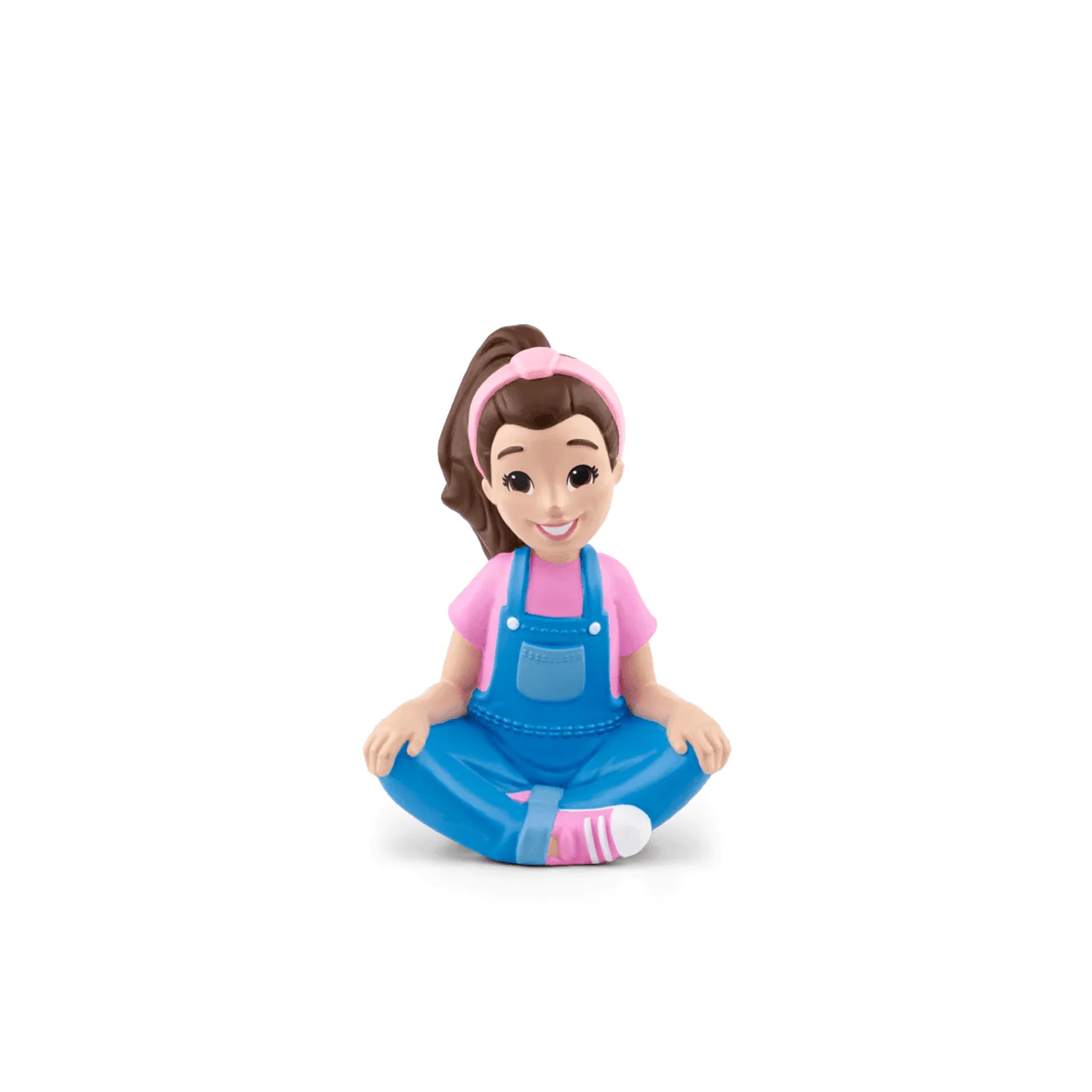
Ms. Rachel Tonie
- My First Tonies Toniebox 2 Set: My First Tonies Toniebox 2 Set includes the Toniebox 2 in Sky Blue and the My First Tonies: Travel Tonie, designed for children ages 1 and up with a run time of 30–45 minutes. A shorter run time means you can test offline mode quickly: if the Travel Tonie plays after setup, your box is working and the remaining problem is the Wi-Fi connection.